Anyone wants to guess what "Hide toolbar" means in Finder? Correct! It hides toolbar, removes sidebar and turns on spatial mode. Couldn't have named it better myself.
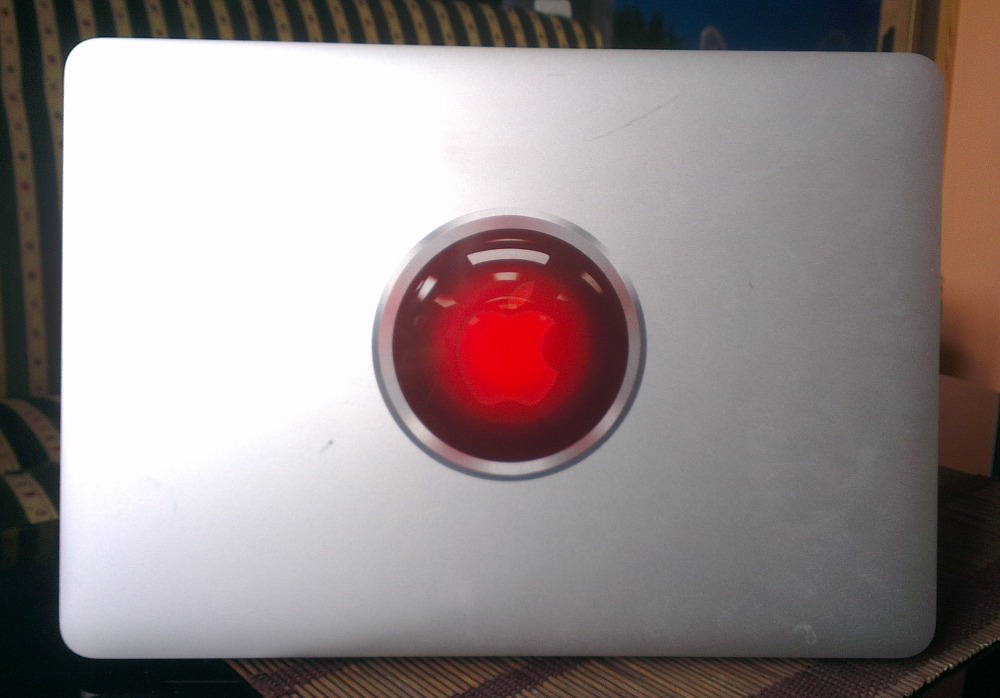
Mac - new decal
Mac - win/app tabbing
Yes! Another productivity killer brought to you by Apple.
Remember old Alt + Tab which switches between windows on non-mac OSes? Mac also has it: ⌘ + Tab. When I press this shortcut, I see row of icons - nothing new here - but if you switch to minimized app, nothing happens. And there is no indication other than visual "something" in dock (if you use dock autohide - too bad, Apple doesn't care about your special needs).
If you happen to know that app, you want to bring to front, is minimized, you can press ⌥ while holding ⌘ while hovering on chosen app and then let go of ⌘. You will probably have to slow down to remember the exact sequence of things you have to do to perform this magic, but slow is good - ⌘ + ⌥ + Tab with one hand? Torture.
Mac essentials - TotalFinder
What other OSes offer by default, you will probably have to buy on Mac (nevertheless, it's better that nothing at all). Finder is really bad application - probably only better than iTunes and App Store. But TotalFinder makes transition to Mac a lot easier. It only offers some improvements, but every single one is spot-on, can't-live-without feature. Namely: tabs, show/hide hidden files, cut/paste files, folders first + dual mode which is really nice. There is also a Visor feature, but it's not for me.
You can try it for free for 14 days, but I bought it in the first 10 minutes. Must have.
Focus, you fool
It's insane how this is an issue. Or is it only me? Let's start with clean desktop, e.g. all windows either closed or minimised. Let's now open any app, say, Terminal. Now open another app, say Finder. Minimize Finder. Roll your eyes. Where did the focus go? Why is this happening? Why can't Apple just stick to productive behaviour and re-focus first app?